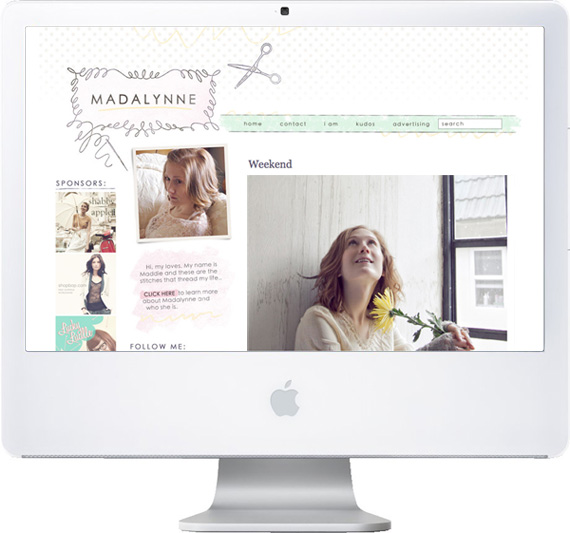
Maddie’s creative blog home, Madalynne, was my most recent redesign project for Freckled Nest. Her redesign was a part of a “Blog as a Website” package, which meant there was a lot of content to organize and display for easy navigation and growth for her blog’s future. As I recently discovered while reworking my own blog, organizing your archives can be a lot of work! I thought I’d share a little bit of the details we put into Madalynne to encourage her readers to engage and discover all of the creative content from Madalynne‘s past.

The navigation bar (as seen above) is where we hosted links to the most basic, utilitarian pages of her blog. Think of links your readers will be looking for to take them to informative, not creative, places on your blog. Readers can find the most basic information they need right here- even alongside a handy search box. A nice little surprise is the special underlines that pop up when hovering over each link.
The most obvious way of organizing major categories on a blog is through the use of a list on the sidebar. Maddie wanted her most important features from stand out from the rest, though, and she wanted readers to get a feel for what her blog is about, from just a glance at the front page. To do achieve these goals, we used image-based category images (as seen below), but I designed them as simple line-drawings, as opposed to photographic images, in order to keep down the visual clutter alongside her post body and advertisers.
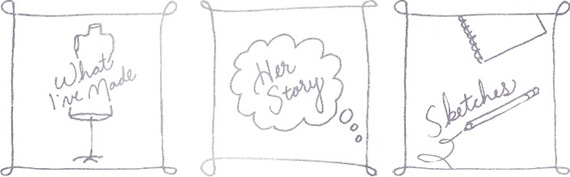
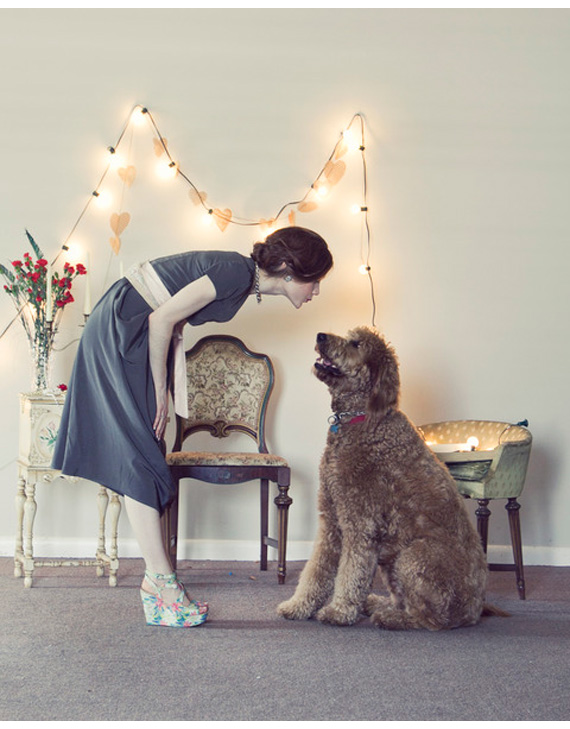
The category images on Madalynne’s sidebar link to special pages, which are posts that appear wider than regular blog post content, and lacking the area below for comments, tags, and that sort of thing. Maddie’s special pages range from directories where all of her content for that specific category are neatly organized, to simple arrangements of projects she has created, in order to share them all in one organized place. Some pages tell about who she is, or even share family memories that are important to what makes her unique as a blogger.
When you click on each page link, there’s no mistaking where you’ve ended up. I designed special decorative titles to take the place of web-generated titles, and to give each page its own special flair. The use of these special titles also helps with the branding of Madalynne, keeping its style consistent, but varied.
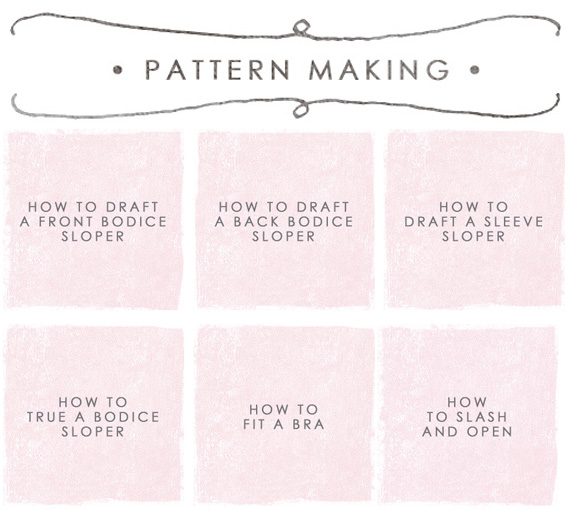
To further engage readers, Maddie wanted to have special image links at the bottom of each of her posts. These are a combination of designed elements that coordinate with her overall look and photographic images that tease readers as to what they might find if they click through. These post-footer images replace the algorithmically generated “Link Within” footers you often see on blogs these days (the ones that say “You might also like…”) with a customized look that can bring your readers wherever you want them to go- to a directory of all related posts, to all posts from that specific category, or even to a specific related post.
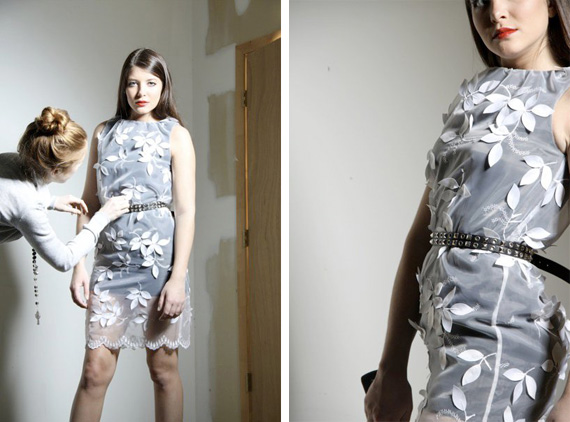
Be sure to head over to Maddie’s personal blog, Madalynne, to check out her new Freckled Nest design and also to browse through her creative content! I’ve been inspired to maybe delve into pattern making and other new, exciting projects after hanging out at her blog for a while. Who knows what she might inspire you to do!


